AI Product Model Generator Online
Flux 2Upload Model Image
Format: jpg/png/webp Size: up to 20M
Upload Product Image
Format: jpg/png/webp Size: up to 20M
AI product model
Create product model photos with AI
Combine a real product photo with a model image, place the item exactly where it belongs, and generate product-holding visuals for product pages, social posts, and campaign concepts.
- One product + one model image
- JPG, PNG or WebP
- Drag, resize and rotate
AI Product Holding Operation Process
- Upload product image and model image
- Drag product image to change size and position
- (Optional) Fill in the prompt to describe the product and model action
- Click the button to generate
Product Image Requirements
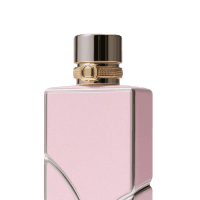 Recommended
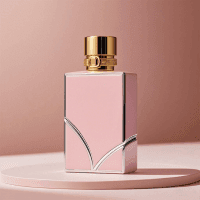 Recommended
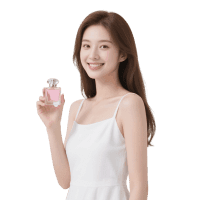 Not recommended
 Not recommended
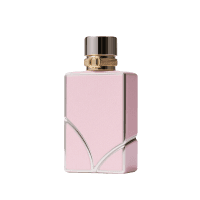 Not recommended
 Not recommended
Model Image Requirements
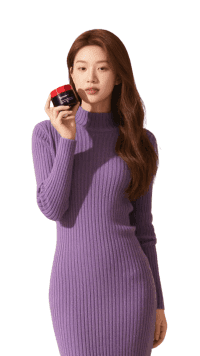 Recommended
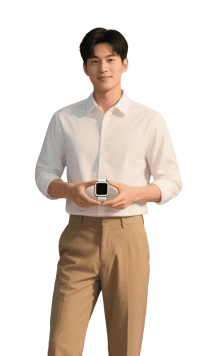 Recommended
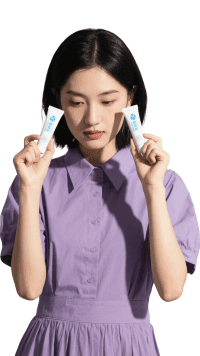 Not recommended
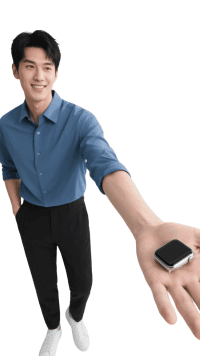 Not recommended
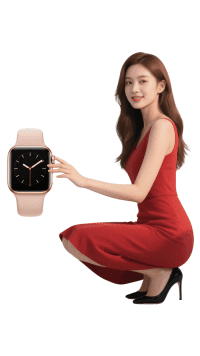 Not recommended
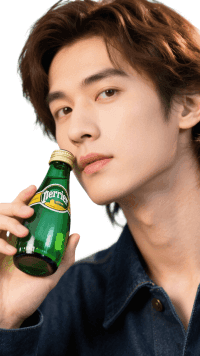 Not recommended
Position the real product before generation
Place, resize, and rotate the uploaded item over the model image. Use the optional prompt to describe the intended action or how the model should interact with the product.
Prepare clear source images
Use a complete, sharp product photo and a model image with a suitable pose. Images larger than 5,000 pixels are automatically scaled down before the 300-pixel minimum and 0.4 to 2.5 aspect-ratio checks are applied.
Continue editing your product creative
AI product model FAQ
What does the AI product model generator create?
It combines one product photo and one model image to create a product-holding visual guided by your placement and optional prompt.
Which image formats can I upload?
The current uploader accepts JPG, PNG, and WebP images. Images larger than 5,000 pixels are automatically scaled down before the 300-pixel minimum and 0.4 to 2.5 aspect-ratio checks are applied.
Can I control where the product appears?
Yes. Drag, resize, and rotate the product over the model image before generation.
How should I describe the result?
Use the optional prompt to describe the product, the model action, or the desired placement, such as holding a camera or wearing a necklace.