
❖ One-time pay
START FREE.
NO SUBSCRIPTION


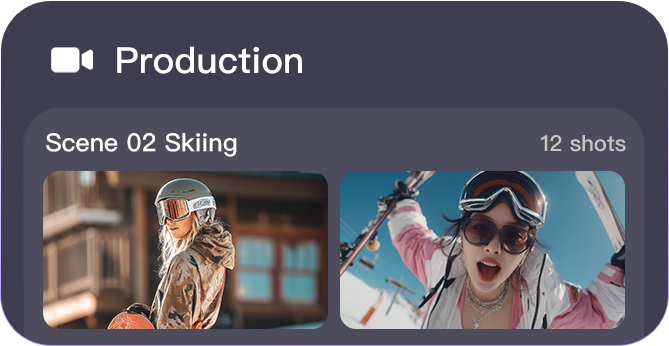
Free, Personal AI Videos
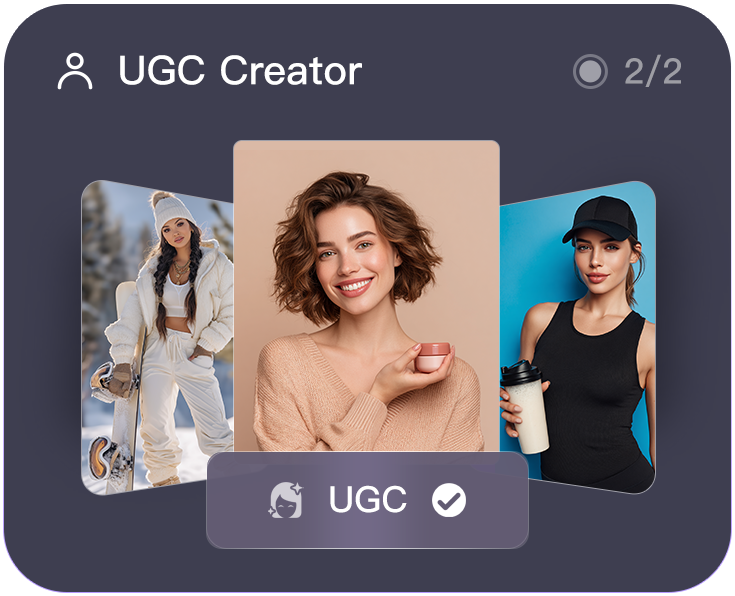
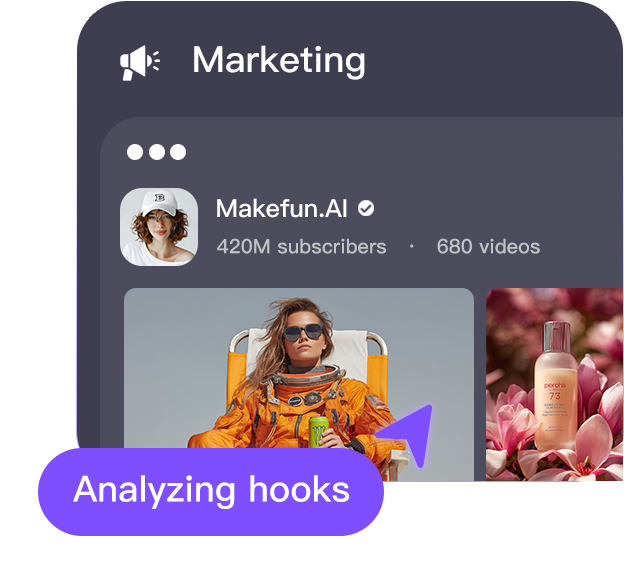
Create AI videos for free — image to video, head swap, face swap, lip sync, voice clone, AI avatars.
makefun Creative Videos
High-performance AI video synthesis with clear characters, consistent faces, and accurate lip-sync.


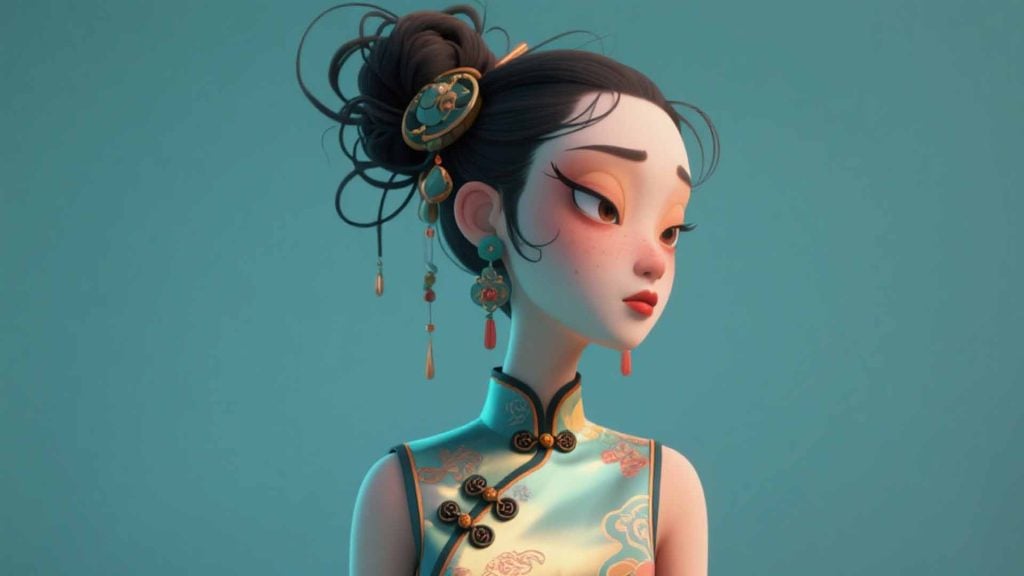
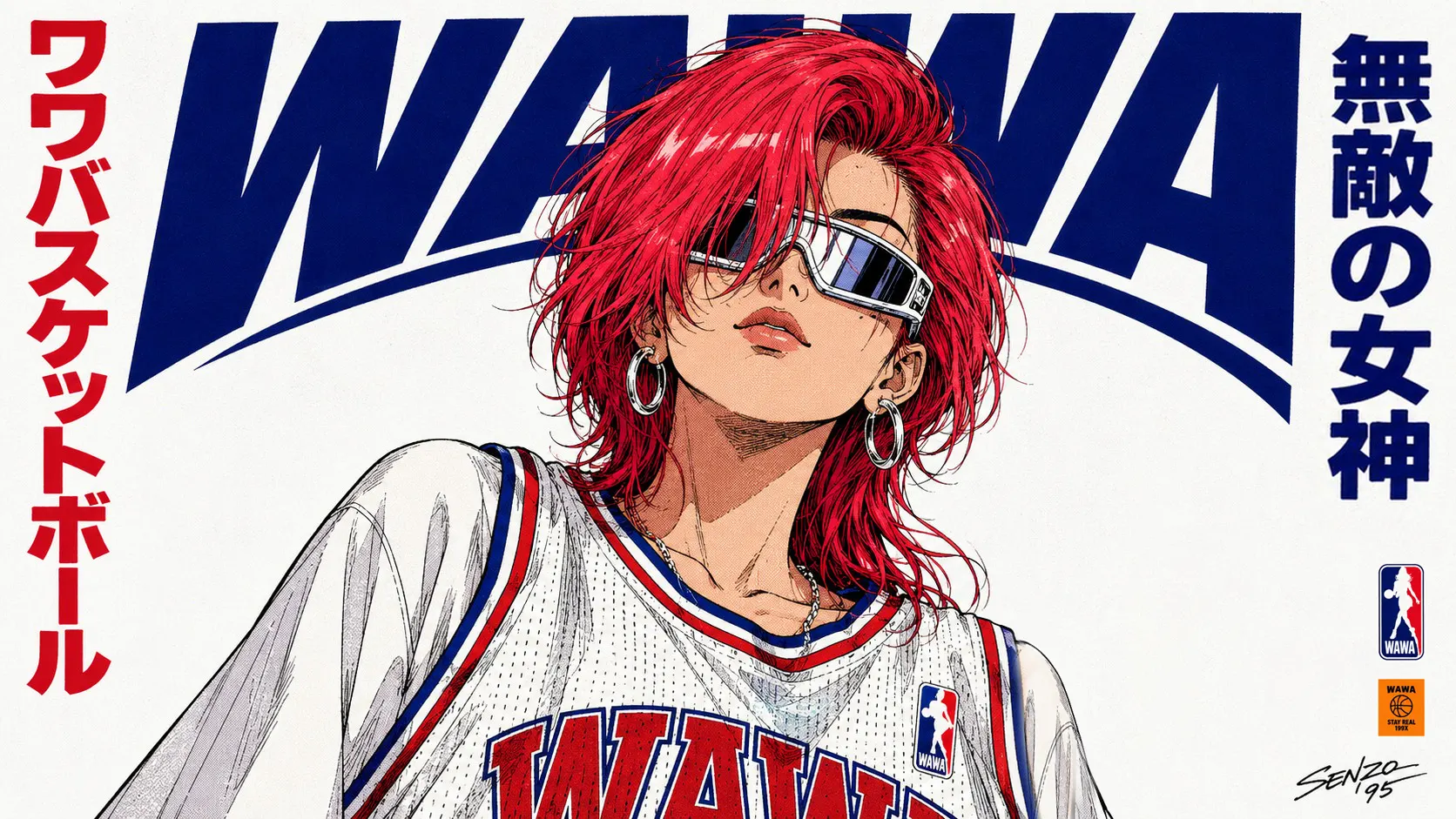




Developer Friendly
MCP-ready with native AI programming and clear docs—trusted by 1,000+ developers and enterprises.
Easy API Integration
Generate high quality realistic avatar of your own, in any face, voice, style, and language. Ever think of offering interactive avatar experience in your app? Our API enables developers to create custom avatars and voices, powering human-like videos from text.
AI Avatar MCP
No programming skills? No problem! Enjoy world’s first MCP server for AI avatars. Integrate talking avatar and streaming avatar functions into your app within minutes.
Flexible Pricing
Whether you are bootstrapping your new business, or you are looking for a scalable and reliable API vendor, MakeFun is always the right option. We offer a starter package from $9.9, by-usage subscription, and dedicated servers.

Your Concerns Are Also Ours
AI Safety
AI avatar boosts creativity, productivity, and accessibility.
Our focus is on building safe, reliable products that drive innovation and help overcome communication barriers.
That's why we spent significantly to build multiple data centers around the world complying with each region’s individual laws.
Use Cases
Using our API, developers can access video generation with unprecedented realism and customization.
Testimonials
MCP-ready with native AI programming and clear docs—trusted by 1,000+ developers and enterprises.

Eliza
Truly unlimited and uncapped free AI video generators. Unleash your creativity with powerful AI. Let AI make fun.
★★★★★

Dina
Finding stuff used to be a pain, but now I can download videos and remove subtitles in one click, editing’s way easier!
★★★★★

Danial
I can use my own voice to create multilingual versions of content without having to record repeatedly. It greatly improves efficiency.
★★★★★

Morgan
The interface is user-friendly and the features are rich—perfect for content creators like me! A one-stop solution for all content creation needs.
★★★★★

Darius
The face swap feature had me cracking up! I put my face on a superhero and used a cloned voice for the dubbing, my friends couldn’t stop laughing.
★★★★★

Casey
The video avatar feature is amazing — looks real, lip-syncs perfectly, and works great for short explainers and marketing videos.
★★★★★

Affordable without compromising on performance
Pricing Plans
More cost-effective than running less optimized open-source code on expensive GPU servers.
Save time and money with our expertly engineered solution.
On-premise available: full algorithm and system deployment in your cluster, using docker images.
Makefun FAQ
Quick answers for creators and teams comparing free AI video tools, avatar workflows, and API options.
Is Makefun free to use?
Makefun offers free AI video tools for personal creative workflows. Paid credits and plans are available when you need higher-volume generation, API usage, or team workflows; see the pricing page for current options.
What AI video workflows does Makefun support?
Makefun covers image-to-video, text-to-video, AI avatar, lip-sync, talking photo, face swap, voice clone, and video API workflows from one site. The homepage links to the main tool pages so users can choose the right workflow quickly.
Can developers use Makefun through an API?
Yes. Developers can review the Makefun API docs, then use the AI Video API and AI Avatar API pages to evaluate model coverage, workflow fit, and integration options before moving into production.
Where should I compare AI video model quality and cost?
The Makefun blog publishes model comparisons, workflow guides, and cost-focused reviews for AI video, avatar, voice, and agent tools, including pricing tradeoffs when they matter for production decisions.