
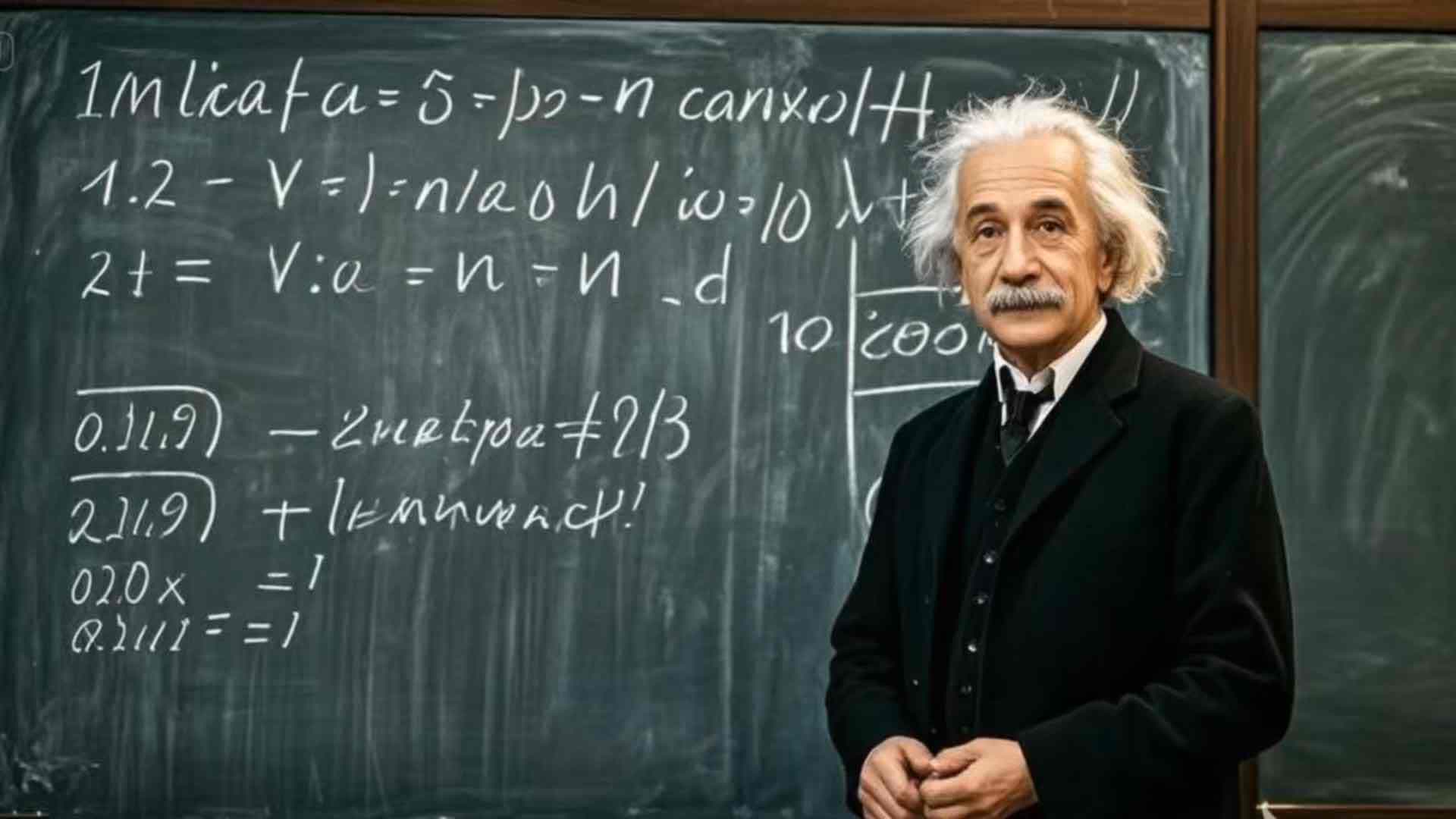
DomoAI Talking Avatar Workflow is a timely topic for creators comparing AI avatar video tools, text-to-speech, lip sync, and image-to-video production workflows. DomoAI’s May 2026 update matters because it brings the source image, script, voice, lip-sync output, and upscaling steps closer to one creation loop instead of forcing teams to move assets across several separate apps.
Why this update is worth tracking
The strongest search fit is not a broad brand comparison. It is the practical long-tail query cluster around AI talking photo generator, talking avatar workflow, AI avatar video with text-to-speech, and lip-sync video from a single image. These searches map closely to Makefun readers who already evaluate talking video and lip-sync workflows, AI avatar generators, and AI video production tools.
What DomoAI is emphasizing
- Single-image avatar creation: creators start from a portrait, character image, or generated visual and turn it into a speaking clip.
- Built-in text-to-speech: the script and voice step happens inside the same workflow, which reduces handoff friction for social and education teams.
- Lip-sync alignment: the workflow is positioned around keeping mouth motion and voice timing consistent for short talking-avatar videos.
- GPT Image 2 source creation: DomoAI also highlights image generation and editing before animation, which connects the avatar workflow to current GPT Image 2 interest.
Where it fits in a Makefun workflow
For Makefun readers, the useful framing is workflow design. A team may use a talking-avatar tool when it needs a presenter-style explainer, multilingual short-form content, a VTuber-style character, or a fast internal training clip. A more complete production stack still needs script planning, voice quality checks, brand-safe visuals, rights review, and performance testing across Shorts, Reels, TikTok, and landing-page placements.
That is also where Makefun’s existing AI video coverage remains useful. Avatar clips can be paired with broader image-to-video generation, API-based production, and voice tools such as text-to-speech APIs when teams need repeatable content rather than one-off demos.
Practical checklist before using it
- Start with a front-facing image that can support clear mouth movement and expression.
- Keep scripts short enough for social distribution and easy re-recording.
- Review voice tone, pronunciation, and language fit before publishing at scale.
- Use generated or edited source images only when rights, likeness, and brand permissions are clear.
- Test avatar output against the platform where it will actually run: short-form video, product education, onboarding, or ads.
FAQ
What is DomoAI Talking Avatar?
It is a DomoAI workflow for turning a still image or generated character into a speaking avatar video with voice and lip-sync output.
Why does built-in TTS matter?
Built-in text-to-speech reduces the need to create voice audio elsewhere, then import it into a separate lip-sync tool.
How does GPT Image 2 fit the workflow?
GPT Image 2 can help create or edit the source image before the avatar animation step, which is useful for stylized presenters, character concepts, and multilingual creative assets.


