
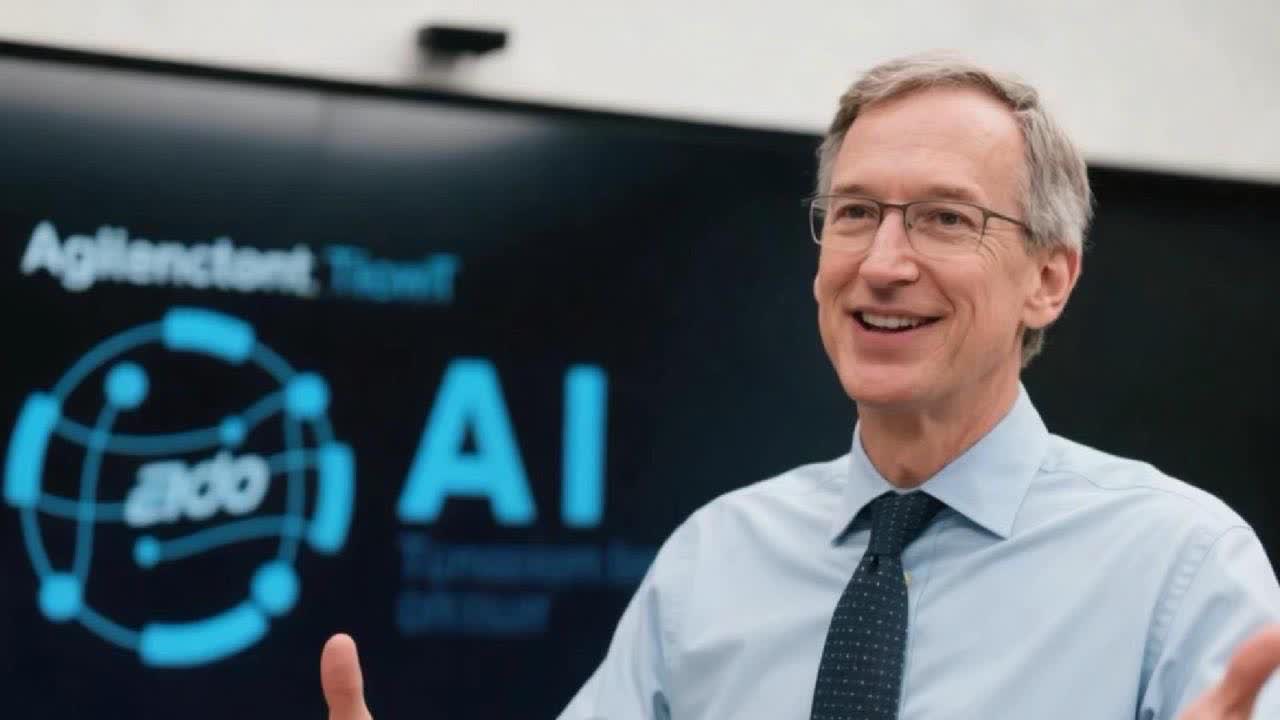
Kaltura Avatar Video Production Studio is a useful signal for teams tracking where AI avatar video is moving in 2026. The May 7, 2026 general-availability announcement positions the product around turning existing enterprise knowledge, slides, text, webinars, and recordings into structured avatar-led videos that can later connect to interactive, conversational experiences.
For Makefun readers, the opportunity is not just another talking-head generator. It points to a wider workflow shift: companies want avatar video systems that can repurpose internal knowledge, shorten training-video cycles, localize updates, and connect prerecorded content with real-time engagement. That makes it relevant to AI avatar generators, agentic video, text-to-video production, and video knowledge-base workflows.
What Kaltura Launched
Kaltura announced the general availability of Avatar Video Production Studio after an earlier beta. The company says the studio can create avatar-led videos from text, slides, or other videos, with target use cases across learning and development, internal communications, enterprise training, customer education, and distributed team updates.
The most SEO-relevant phrase is Kaltura Avatar Video Production Studio, but the larger search intent is broader: enterprise AI avatar video, avatar-led training video, text-to-video for internal communications, and agentic video experiences. Searchers are likely comparing this category against tools that create presenter videos, talking avatars, or interactive video agents.
Why This Matters For AI Avatar Video
Most avatar-video tools focus on creating a single presenter clip from a script. Kaltura’s launch emphasizes a more operational layer: pulling knowledge out of recordings, documents, and presentations, then turning it into videos that teams can distribute and reuse. That aligns with three trends Makefun already covers:
- Avatar-led production: teams want lower-friction presenter video without filming every update.
- Agentic video experiences: static video is being paired with conversational or guided interaction.
- Knowledge repurposing: webinars, courses, and internal documentation are becoming raw material for short, structured video modules.
How It Fits Makefun Workflows
Makefun users can treat this category as a planning pattern, even if they are not using Kaltura directly. A practical workflow starts with a source asset such as a product walkthrough, training deck, or support article. The team extracts a short script, creates an avatar-presenter version, and then uses AI video tools to produce supporting clips, localize narration, or turn images into short video explainers.
That makes the topic adjacent to Makefun’s AI avatar generator guide, talking video and lip-sync workflow, agentic video generator guide, and AI video creation workflow.
Competitor And Search Context
The surrounding market is crowded with avatar and presenter-video products. Synthesia, HeyGen, D-ID, Creatify, Akool, and similar tools all compete for terms around AI avatar videos, training videos, and marketing presenters. Kaltura’s angle is different enough to deserve its own search-intent page because it is framed around enterprise knowledge activation and platform-integrated video experiences rather than only quick social clips or product ads.
This distinction lets Makefun cover the term neutrally without making sensitive competitor claims. The article should help searchers understand the category, where the Kaltura launch fits, and which Makefun workflows are relevant when they want to prototype avatar-led videos or repurpose existing content.
Practical Evaluation Checklist
- Start with the source format: text, slides, existing video, webinar, or product documentation.
- Check whether the workflow needs a recorded avatar video, a live conversational avatar, or both.
- Plan localization before production if the content will serve multiple regions.
- Use AI video generation for supporting visuals, not as a replacement for verified product or training facts.
- Keep the final asset lightweight enough for landing pages, help centers, and email campaigns.
FAQ
What is Kaltura Avatar Video Production Studio?
It is Kaltura’s enterprise studio for creating avatar-led videos from assets such as text, slides, and existing videos, with positioning around training, internal communications, customer education, and interactive digital experiences.
Is this the same as a talking-avatar generator?
It overlaps with talking-avatar tools, but Kaltura positions the studio more broadly around enterprise knowledge, structured video modules, and platform-integrated engagement.
Why should Makefun users care?
The launch shows that avatar video is moving from simple presenter clips toward repeatable content operations. That is useful for teams planning AI avatar videos, training explainers, product demos, and agentic video experiences.


