
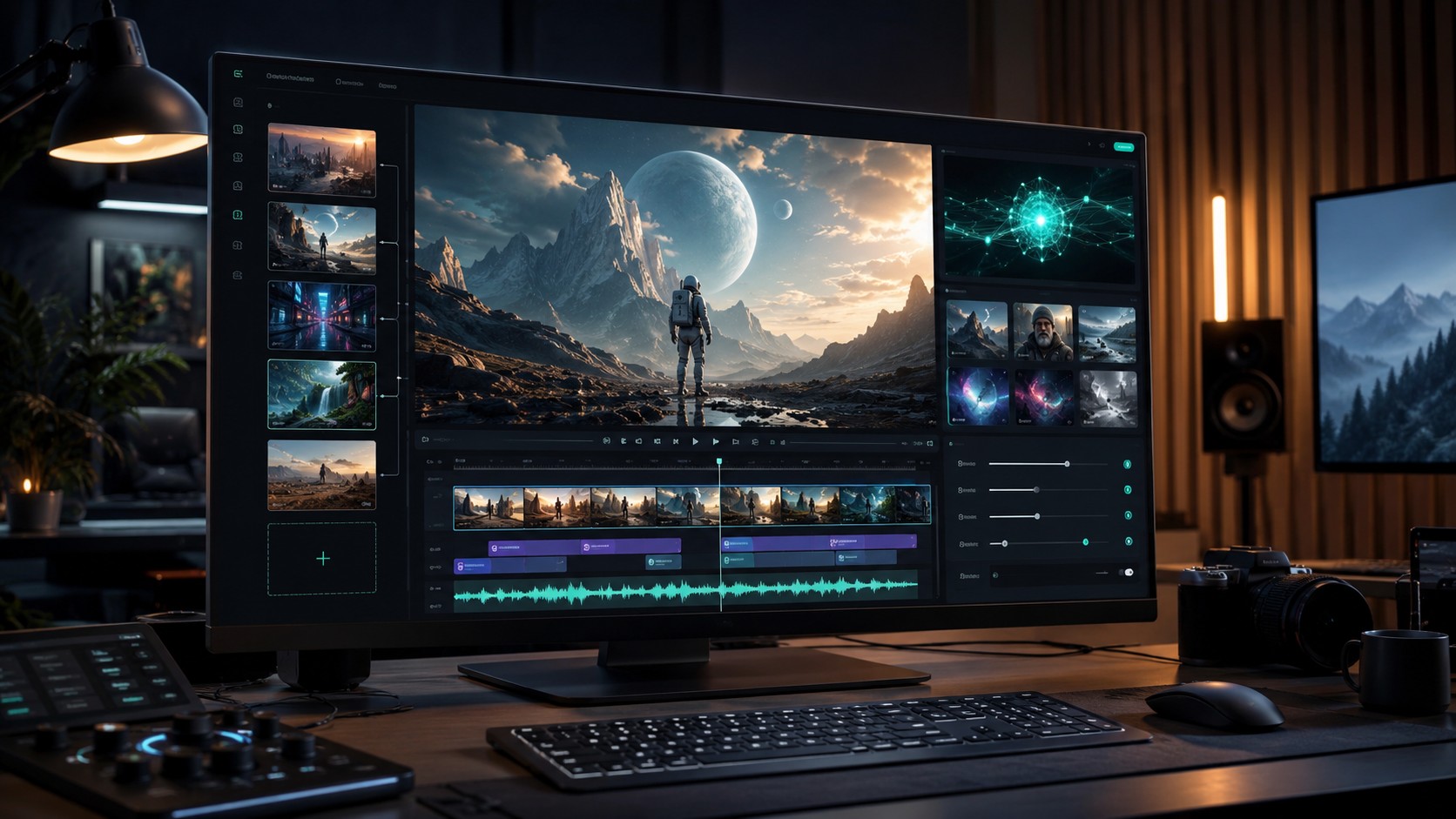
Native 4K AI video generator workflows are becoming a serious search and production topic in 2026 because creators are no longer only asking whether an AI model can make short clips. They are asking whether the output can hold up in product demos, advertising edits, social campaigns, and post-production timelines without a heavy upscale step.
Kling AI says it rolled out a native 4K video generation function through Kling 3.0 on April 23, with its official blog emphasizing one-click true 4K creation and use cases across film, advertising, and creative work. Kuaishou has also positioned Kling’s newer video and image updates around multi-camera control, native audio/video generation, and an all-in-one creative workflow. For Makefun users, the practical question is how to use this signal when choosing between models such as Kling, Seedance, Wan, and Veo.
What native 4K changes for AI video creators
Native 4K matters because it changes the starting point of an edit. When the source generation is already high resolution, creators can crop, stabilize, add titles, or combine clips with less visible softness than they would get from a low-resolution clip that depends entirely on post-generation upscaling.
That does not mean native 4K is always the best default. Drafting, concept exploration, meme-style clips, and short social experiments may still be faster in lower resolutions. Native 4K is most useful when the final asset needs close inspection, product detail, cinematic framing, or reuse across multiple placements.
Where Kling 3.0 fits in the 2026 AI video market
Kling 3.0 is relevant for search because its public positioning connects several high-intent creator needs: higher-resolution generation, image-to-video workflows, sound-aware video production, and more controlled camera language. Those topics match the way users now search for AI video tools: not only by model name, but by outcome, such as AI video generator with sound, image to video AI generator, and 4K AI video generator.
Makefun already tracks Kling 3.0 as part of its AI video model coverage. This native 4K angle gives creators a narrower decision framework: use Kling-style workflows when visual fidelity and shot polish are important, then compare with other Makefun-supported model options when speed, prompt following, motion style, or audio behavior matters more for the specific project.
When to choose a native 4K AI video workflow
- Product and app demos: use native 4K when UI edges, product surfaces, or packaging detail need to stay crisp.
- Advertising edits: start high resolution when the clip may be cropped into horizontal, square, and vertical versions.
- Cinematic shots: use higher-resolution generation for scenes with camera movement, depth, and lighting detail.
- Post-production pipelines: choose native 4K when editors need room for reframing, color work, overlays, and compositing.
How to plan a Makefun model workflow
A practical workflow is to start with the creative requirement, then pick the model path. For polished high-resolution shots, review Makefun’s Kling 3.0 AI video coverage. For broader model planning, compare it with Seedance 2.0 and Veo 3.1. If the project is still in research mode, the Makefun guide to AI video generator trends in 2026 is a good starting point for audio, image-to-video, and all-in-one tool decisions.
FAQ
What is a native 4K AI video generator?
A native 4K AI video generator creates video at 4K resolution as part of the generation process instead of relying only on a lower-resolution output that is enlarged afterward. The practical benefit is more detail for editing, cropping, and high-quality delivery.
Is native 4K always better than upscaled AI video?
No. Native 4K is most valuable for final or near-final assets where detail matters. Upscaled or lower-resolution generation can still be useful for fast drafts, testing prompts, and early creative exploration.
Does Kling 3.0 matter for AI video with sound?
It matters because Kling’s broader 2026 positioning includes video generation, image generation, multi-camera control, and native audio/video workflows. Creators should still test the specific sound and motion behavior needed for each project.
How should creators compare Kling, Seedance, Wan, and Veo?
Compare by workflow requirement: resolution, motion style, image-to-video behavior, audio needs, speed, aspect ratio, and editing tolerance. The best model is usually the one that fits the shot brief, not simply the newest model name.


