
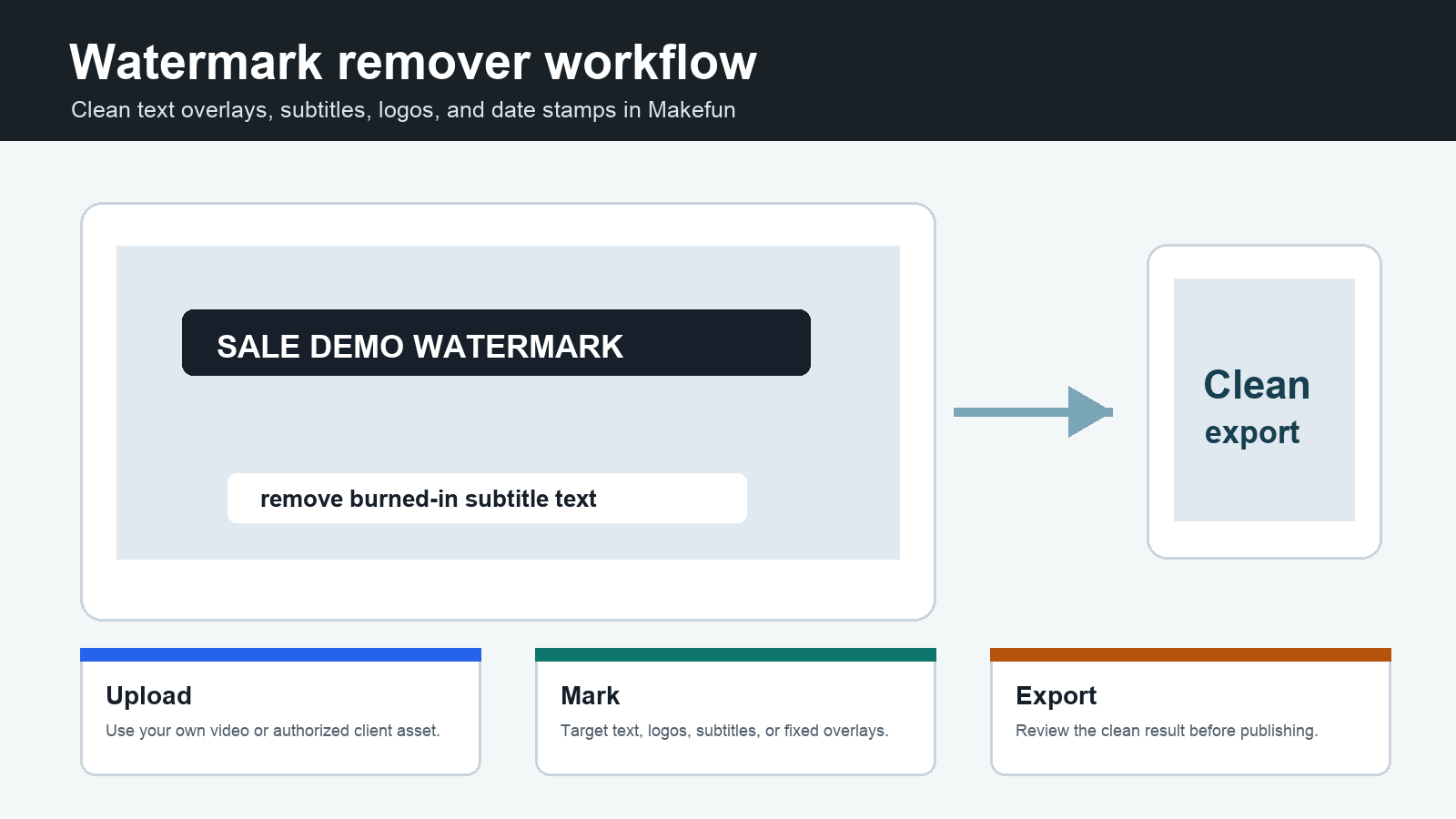
A watermark remover is useful when a video has burned-in text, a fixed logo, a date stamp, a subtitle strip, or another overlay that distracts from the final edit. Makefun’s workflow starts here: open the Makefun watermark remover tool. Use it for videos you own, client assets you are authorized to edit, or drafts where the overlay is part of your production cleanup.
Many people search for “watermark remover” when they really need a practical video cleanup workflow: remove hard subtitles, clean social captions, hide a test label, clear a corner logo from an internal draft, or prepare a clip for a new layout. Makefun’s video toolbox is built around that job: upload the clip, target the unwanted overlay, preview the result, and export a cleaner version for editing or publishing.
Use Makefun as an online watermark remover
- Open the tool: go to Makefun video watermark remover.
- Upload your video: use source footage you own or have permission to edit.
- Target the overlay: focus on subtitles, logos, timestamps, text blocks, captions, or fixed marks that should not appear in the final cut.
- Preview before export: check motion, edges, background texture, faces, and product details around the removed area.
- Publish responsibly: use the cleaned clip only where you have the rights to edit and distribute it.
What it can clean
| Cleanup target | Best use case | Review before export |
|---|---|---|
| Hard subtitles | Remove burned-in captions when replacing them with a new language or cleaner subtitle style. | Check mouth movement, lower-third texture, and any small objects behind the text. |
| Text overlays | Clean old campaign labels, draft notes, date stamps, or screen text from your own footage. | Look for soft edges, repeated patterns, and background flicker. |
| Corner logos | Remove internal draft marks or your own brand bug before creating a new layout. | Confirm you have permission and check the corner background for blur. |
| Social captions | Prepare a clip for a new platform layout or fresh captions. | Verify that the video still reads clearly after cleanup. |
| Product labels in drafts | Clean test labels or placeholder overlays from product videos. | Review product edges, reflections, and packaging detail. |
Watermark remover workflow checklist
For the best result, start with the highest-resolution source file you have. Avoid cropping too early, because a clean source gives the remover more surrounding detail to rebuild the marked area. If the overlay covers faces, hands, small text, product edges, or fast motion, export a short test first before processing the full video.
| Step | What to do | Why it matters |
|---|---|---|
| Source check | Use the original file instead of a compressed repost when possible. | Compression artifacts make cleanup harder. |
| Overlay check | Identify whether the mark is static, moving, transparent, or covering important detail. | Moving and transparent marks need closer review. |
| Short preview | Test a few seconds before exporting a full video. | It catches blur, flicker, and edge artifacts early. |
| Caption replacement | If removing subtitles, plan the new subtitle style before export. | The final clip should still be accessible and clear. |
| Rights review | Confirm you own or are authorized to edit and publish the video. | Watermark removal should not be used to hide ownership or licensing marks from third-party content. |
When to use Makefun’s other video tools
A watermark remover solves one cleanup problem. If you also need to generate new clips, transform images into video, localize a talking scene, or upscale a final export, combine this workflow with Makefun’s image-to-video, talking video lip-sync, video upscaler, and AI video API pages.
FAQ
Can Makefun remove subtitles from a video?
Yes. The Makefun workflow can be used to clean hard subtitles or text overlays when you need a cleaner version for editing, localization, or a new caption style.
Can I remove a watermark from any video?
No. Use watermark removal only on videos you own, client assets you are authorized to edit, or drafts where the overlay is part of your own production workflow. Do not use it to hide ownership, licensing, or attribution marks from third-party content.
What kind of watermark is easiest to remove?
Static marks over simple backgrounds are usually easier to clean than moving, transparent, or detailed overlays. Always preview before exporting a full clip.
Where do I start?
Start with the Makefun online watermark remover, upload a short test clip, preview the cleaned area, and then process the full video once the result is acceptable.


