
Veo 3.1 Lite AI video generator is now a practical keyword to track because Google positions it as the lower-cost entry in the Veo 3.1 family for developers building text-to-video and image-to-video workflows. For creators, the important question is not only whether Lite is cheaper, but when a shorter, efficient generation loop is enough before moving to a higher-end model.
What Google Announced
Google’s March 31, 2026 announcement says Veo 3.1 Lite is available through the Gemini API and is intended for high-volume video applications at less than half the cost of Veo 3.1 Fast while keeping the same speed. Google also says the model supports text-to-video and image-to-video, landscape and portrait framing, 720p and 1080p outputs, and 4, 6, or 8 second durations. That makes the topic valuable for users searching for cheaper AI video generation without leaving the current Veo ecosystem.
How Creators Should Use Veo 3.1 Lite
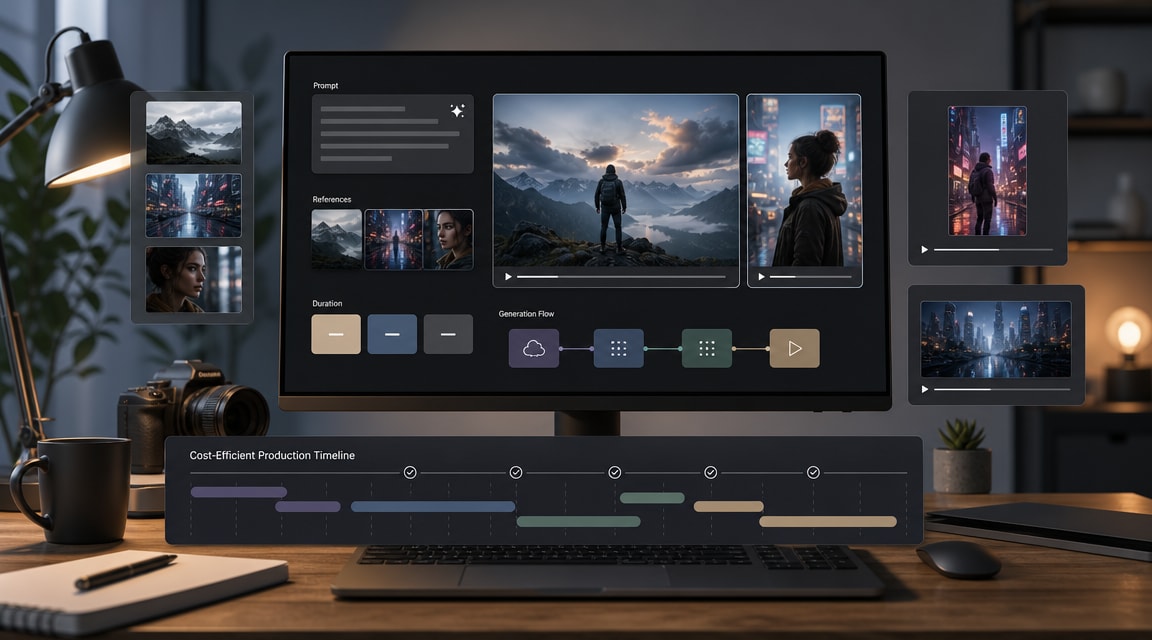
The safest workflow is to treat Lite as an iteration model. Start with a clear prompt, a simple subject, one camera instruction, and one motion instruction. If the shot needs a specific product, character, or composition, use an image-to-video setup so the first frame anchors the clip. Keep early tests short, then reserve higher-cost models for the version that already has the right framing and motion.
This connects naturally with Makefun’s existing Veo 3.1 coverage, the earlier Veo 3.1 update guide, and broader AI video generator trend research. For users who already have reference art or product images, Lite should also be compared with Makefun’s image-to-video workflow before committing budget to a final clip.
Why This Fits the 2026 Market
AI video search intent is shifting from one impressive demo toward repeatable production economics: how many clips can a team test, how quickly can a prompt be revised, and when should a creator switch models. Adobe Firefly’s 2026 update also reinforces the all-in-one pattern by bringing models from Adobe, Google, OpenAI, Runway, and Kling into one creative environment. That competitor signal supports Makefun’s model-led long-tail strategy while keeping the article neutral and informational.
Prompt Checklist
- Write one sentence for subject and setting.
- Add one motion instruction, such as walking forward, rotating product, or slow camera push-in.
- Choose landscape or portrait before generation instead of cropping later.
- Use 4 seconds for prompt tests and longer durations only after the shot direction works.
- Compare the result against Gemini Omni, Runway, Kling, Seedance, and Wan only by task fit, not by a single sample.
FAQ
What is Veo 3.1 Lite?
Veo 3.1 Lite is Google’s lower-cost Veo 3.1 video generation model for developers and creators who need efficient text-to-video or image-to-video iteration.
Is Veo 3.1 Lite only for text-to-video?
No. Google’s announcement and model card describe evaluation and support across both text-to-video and image-to-video workflows.
When should creators use Lite instead of a higher-end model?
Use Lite for early prompt testing, lower-cost batch iteration, quick aspect-ratio checks, and short draft clips. Move to a higher-end model when the creative direction is stable and the final output needs maximum quality.


