
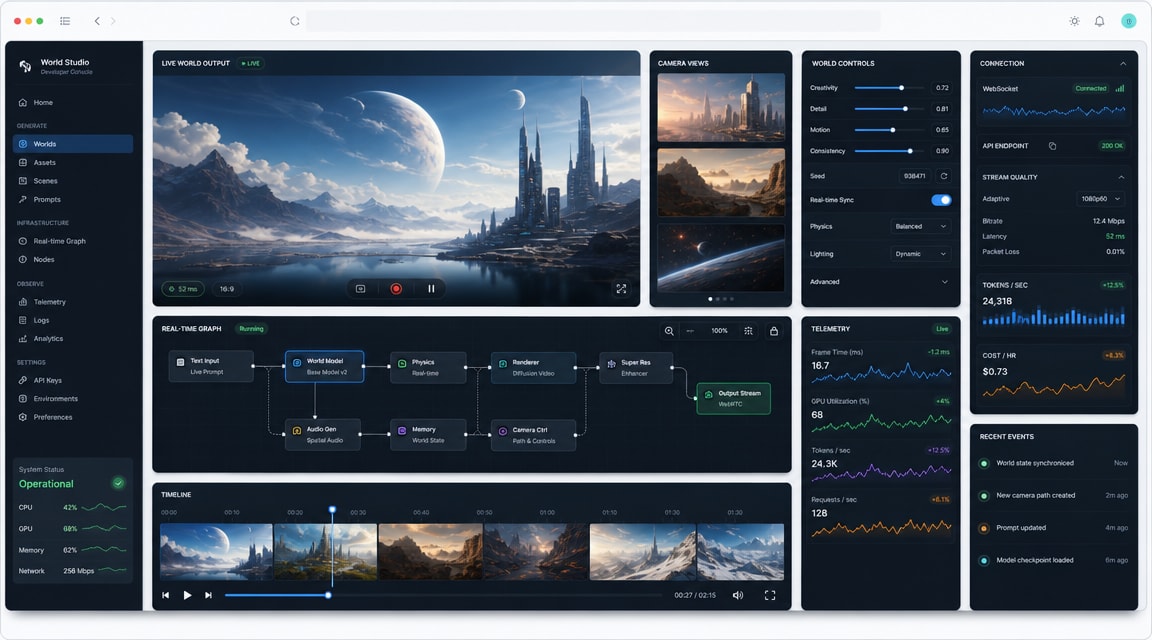
InSpatio-World 4D world model is a useful signal for creators watching the next step after text-to-video and image-to-video: video-conditioned spatial scenes that can be explored over time, not just rendered as a fixed clip.
For Makefun users, the practical takeaway is planning. A 4D world-model workflow can help teams think about camera paths, reference footage, temporal consistency, interactive previews, and scene reuse before committing to a final AI video pipeline.
What InSpatio-World Changes
InSpatio presents InSpatio-World as an open-source 4D world model that starts from a reference video and builds a dynamic scene that can be navigated from different viewpoints. That makes it different from a normal video generator, where the final output is usually a single fixed timeline.
The model direction matters because AI video work often breaks down around spatial consistency. If a creator wants a product scene, training simulation, game-like environment, or interactive product demo, the hardest part is not only making frames look good; it is keeping the world coherent as the camera moves and time changes.
Where It Fits Beside AI Video Tools
InSpatio-World is best understood as a spatial planning and research signal rather than a direct replacement for everyday video generation. A practical Makefun workflow may still start with image-to-video AI or a broader AI video generator workflow, then use world-model ideas to evaluate whether a scene needs stronger camera control, longer-horizon consistency, or interactive previews.
For teams tracking the category, it sits near other world-model coverage such as Reactor real-time AI world model and SANA-WM open-source world model. The shared theme is that AI video is moving from single prompts toward reusable, controllable environments.
Creator Workflow Implications
- Reference-video planning: capture or select a source clip that defines the scene, motion, and objects before exploring alternate camera paths.
- Temporal review: evaluate whether key moments remain stable when time is paused, reversed, or revisited.
- Interactive previews: use world-model outputs as a planning layer for product demos, training content, game cinematics, and spatial storytelling.
- Final rendering: keep production outputs in a Makefun-style video pipeline when the goal is a shareable clip, ad, avatar explainer, or social asset.
Comparison Notes
Compared with standard AI video models, InSpatio-World emphasizes spatial persistence and navigation. Compared with real-time world-model platforms, it is notable because the public positioning focuses on transforming a reference video into a 4D environment. Compared with open-source long-video models, the key question is not only clip length, but whether the scene remains usable when the viewer changes viewpoint.
FAQ
What is InSpatio-World?
InSpatio-World is an open-source 4D world model concept that uses a reference video to construct a dynamic scene that can be explored across space and time.
Is InSpatio-World a normal AI video generator?
No. It is better framed as a world-model and spatial AI workflow. A normal AI video generator usually produces a fixed clip, while InSpatio-World focuses on navigable 4D scene behavior.
How does this help Makefun-style creators?
It gives creators a clearer planning language for camera control, scene consistency, reference footage, and interactive previews before producing final AI video assets.


