
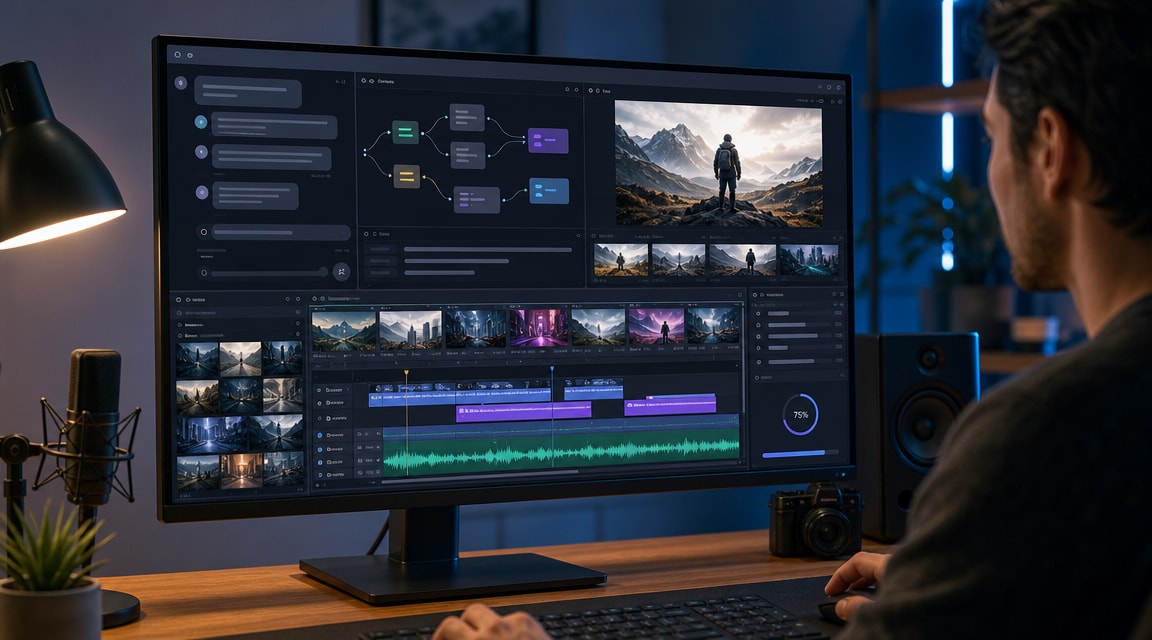
Mobbi AI video agent is a useful signal for where AI video search demand is moving in 2026: creators do not only want a text-to-video clip generator, they want a conversational workflow that can plan scenes, route between models, add audio, revise pacing, and export a finished asset. That intent fits Makefun’s existing coverage around agentic video, image-to-video, native audio, and all-in-one creative tooling.
What Mobbi AI video agent means by vibe editing
Mobbi’s launch announcement describes “vibe editing” as a natural-language way to generate and revise videos, with the platform creating a script, storyboard, scene images, video clips, voiceover, music, and later edits through conversation. Treat that as an agentic production pattern rather than a guarantee that every prompt will produce a finished commercial asset. The SEO opportunity is the workflow language: users are searching for a video agent that bridges idea, storyboard, text-to-video, image-to-video, sound, and editing.
The official Vega Labs launch announcement positions Mobbi as an all-in-one AI video agent for full-length video creation, while the current Mobbi site surfaces tools such as Story, Text to Video, Image to Video, Video Ad, Video Editor, Lip Sync, Motion Designer, and AI image workflows. That combination makes the topic different from a single model launch: the search intent is about orchestration.
Why it fits Makefun’s AI video coverage
Makefun already has strong adjacent pages for agentic video generators, image-to-video, AI music video generation from audio, and 2026 AI video generator trends. A Mobbi-focused explainer can connect those clusters without making a sensitive comparison claim or changing Makefun’s core positioning.
The broader competitor pattern also supports the topic. CrePal, for example, markets a video creation agent that combines script planning, image generation, video generation, soundtrack, editing, and export in one flow. Its current CrePal product page emphasizes an AI Director, chat-based edits, model selection, AI music video, talking avatar, and ad-video templates. This reinforces that “AI video agent” and “all-in-one video creation agent” are becoming search phrases, not just product slogans.
Workflow checklist for creators
- Start with the output format. Decide whether the job is a short ad, explainer, social clip, product video, music video, or narrative sequence before choosing a model.
- Separate planning from generation. A video agent is most useful when it creates a script and shot plan before it spends credits on video renders.
- Use images as anchors. For product, character, or brand visuals, image-to-video often gives more control than pure text-to-video.
- Check audio early. Native audio, voiceover, captions, and lip sync change the edit plan; leaving them to the end can force costly regeneration.
- Keep manual review in the loop. Agentic tools can accelerate iteration, but creators still need to review factual claims, visual consistency, brand safety, rights, and export quality.
Where Mobbi-style agents sit beside model-first tools
Model-first tools answer a narrow question: which engine should generate this clip? Agent-style tools answer a larger workflow question: what sequence of planning, image generation, video rendering, audio, captions, and revision gets the creator from brief to usable output? That distinction matters for SEO because a user searching for Mobbi AI video agent may be comparing production workflow, not only render quality.
For Makefun readers, the practical takeaway is to evaluate these products by workflow fit: prompt control, scene consistency, model routing, image reference support, audio handling, caption editing, export options, pricing clarity, and whether the final result can be reviewed before publishing. This keeps the coverage neutral and useful without overstating any vendor’s claims.
FAQ
What is Mobbi AI video agent?
Mobbi AI video agent is a conversational video creation workflow from Vega Labs that positions itself around planning, generating, editing, and exporting videos through natural-language instructions.
What is vibe editing?
Vibe editing means describing the desired creative direction in plain language and letting the system translate that direction into script, scenes, clips, audio, captions, and revisions.
Is an AI video agent better than a single video model?
Not always. A single model may be better for controlled clip generation, while an AI video agent can be useful when the creator needs planning, multi-step editing, audio, captions, and model routing in one workflow.
How should creators compare Mobbi, Makefun, and other AI video tools?
Compare them by the job to be done: image-to-video control, native audio, prompt accuracy, model choice, editing flexibility, pricing, export quality, content safety, and how much manual review the final asset still needs.


