
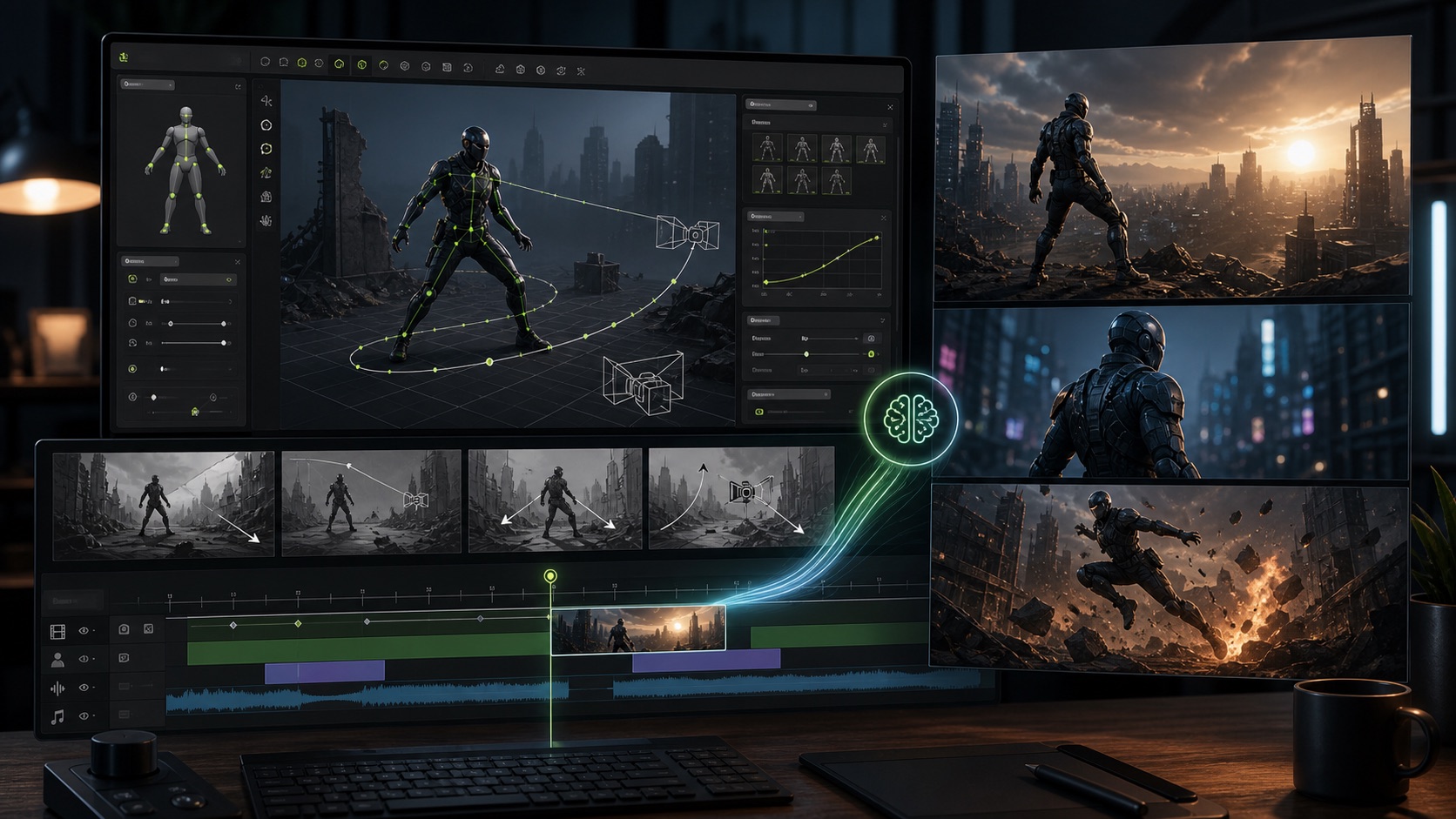
OmniHuman 1.5 is the kind of avatar-video update creators should watch closely: it moves digital humans beyond simple talking-head lip sync and toward prompt-guided performance, richer emotion, camera movement, and multi-character scenes. For Makefun users, the practical question is not just “what can the research model do?” It is “how should this change the way we plan talking-video, avatar, voice, and API workflows today?”

What Is OmniHuman 1.5?
OmniHuman 1.5 is a ByteDance Intelligent Creation research model for expressive avatar animation. The project page describes a workflow that starts from a single image and voice track, then generates character animation that follows rhythm, prosody, and semantic content. It also supports optional text prompts for refining action and camera direction.
The OmniHuman-1.5 paper frames the model as a step beyond low-level audio synchronization. Instead of only matching mouth movement to sound, the system uses multimodal reasoning to guide motion, emotion, intent, and scene behavior. In practical terms, that means a character can respond to a line with a gesture, turn, pause, camera move, or emotional shift that fits the scene.
BytePlus also lists OmniHuman 1.5 under its Vision AI OmniHuman documentation, and API marketplaces such as Replicate present it as an image-plus-audio-plus-optional-prompt model. Availability, pricing, output limits, and policy requirements can vary by platform, so creators should treat each provider page as implementation-specific rather than assuming one universal OmniHuman workflow.
Why It Matters for Makefun Creators
Most creator avatar workflows still break into separate steps: generate or upload a portrait, write the script, create voice, sync the mouth, repair timing, add B-roll, remove captions or watermarks, and export. OmniHuman 1.5 shows where the category is heading: a single model can understand more of the performance context, not just the audio waveform.
Makefun already gives creators the production side of that workflow. You can start with Makefun Talking Video for avatar performance, use talking-video lip sync when the main job is syncing speech to a character, combine assets with image-to-video, and use the AI Avatar API or AI Video API when the workflow needs repeatable production handoff.
That is the Makefun angle: OmniHuman 1.5 is a signal that avatar models are becoming more directable, but useful creator output still depends on a clean production loop. The fastest teams will plan scripts, voice, avatar inputs, scene prompts, review steps, and post-processing together instead of treating “generate video” as one isolated button.
What Changed Compared With Basic Lip Sync?
- Prompt-guided performance: OmniHuman 1.5 can use text prompts to guide actions, emotions, camera movement, and scene behavior.
- Audio-aware acting: The research focus is not only mouth movement. It is also gesture, mood, rhythm, and semantic fit.
- Longer and more dynamic scenes: The project page highlights videos over one minute, continuous camera movement, and complex interactions.
- Multi-character potential: The model is presented as capable of routing dialogue and performance across more complex scenes.
- Broader input styles: Examples include humans, animals, stylized characters, and non-traditional subjects, which matters for creator formats beyond corporate avatars.
A Practical Makefun Workflow
If you want to use the OmniHuman 1.5 trend as a production prompt, build your workflow around the performance you need, not the model name alone.
1. Start With the Character and Script
Choose the speaker, audience, emotion, and scene. A product demo, music-video host, training narrator, and fictional character all need different pacing. Write the script in short beats so the avatar has natural places to pause, gesture, and shift expression.
2. Prepare Voice Before Video
Avatar video depends heavily on audio quality. Record clean voice or use Makefun Voice Clone for repeatable speaker assets. Keep filler noise low, avoid overlapping speech unless the scene truly needs it, and test whether the emotional tone fits the shot.
3. Generate Talking Video, Then Review Like an Editor
Use Makefun talking-video and lip-sync tools to create the first performance pass. Review mouth alignment, eye direction, hand movement, camera framing, and scene continuity. A great digital human clip should feel like a directed performance, not just a synced mouth.
4. Add B-Roll and Cleanup
Use image-to-video shots, product cutaways, or interface captures to avoid relying on one avatar shot for the whole video. If you are repurposing clips, tools such as watermark remover can help clean production assets before final assembly, while still respecting source rights and platform rules.
Use Cases Worth Testing
- Product explainers: A consistent spokesperson can introduce feature updates, API changes, or launch notes.
- Localized creator videos: One core scene can be adapted with different voice tracks and subtitles.
- Education and training: Avatar presenters can deliver short modules with expressive pacing.
- Music and performance clips: OmniHuman 1.5 research examples point to richer rhythm-driven movement, which is useful for music-led formats.
- Multi-character scenes: Creator teams can test dialogue formats, interviews, and reaction shots without filming every variant.
Quality Checklist Before Publishing
Before you publish an avatar video, check these details:
- The mouth shapes match the audio on hard consonants and pauses.
- The eyes and head movement support the scene instead of drifting randomly.
- The camera motion feels intentional and does not hide continuity errors.
- The avatar does not over-act calm narration or under-act emotional moments.
- The input portrait has clear facial detail and enough resolution for the target format.
- The script avoids confusing stage directions that contradict the source image.
- The final video has rights-cleared voice, image, and music assets.
Responsible Use Still Matters
Digital human models make performance easier to scale, but that also raises consent, impersonation, disclosure, and brand-safety concerns. Use permissioned likenesses, avoid pretending a person said something they did not say, and label synthetic or AI-assisted media when the context requires it. The more realistic avatar models become, the more important production policy becomes.
Bottom Line
OmniHuman 1.5 is important because it points toward digital humans that understand performance, not just phonemes. For Makefun creators, the opportunity is to turn that direction into a practical workflow: prepare strong audio, direct the avatar with clear intent, combine talking video with image-to-video shots, and use API handoff when the workflow needs repeatable scale.
FAQ
What is OmniHuman 1.5?
OmniHuman 1.5 is a ByteDance digital human research model for generating expressive avatar video from a source image, audio, and optional text prompts. It focuses on semantic motion, emotion, camera behavior, and lip-sync.
Is OmniHuman 1.5 only for lip sync?
No. Lip sync is part of the workflow, but the main jump is broader performance control: gestures, emotional response, camera movement, multi-step action, and scene-aware animation.
How does this relate to Makefun?
Makefun gives creators practical talking-video, lip-sync, image-to-video, voice, and API workflows. OmniHuman 1.5 is a useful signal for where avatar models are heading, while Makefun helps creators produce and manage real video assets today.
What should I prepare before generating avatar video?
Prepare a clear portrait or character image, clean audio, a short script broken into beats, and a concise direction prompt that explains camera movement, emotion, speaking state, and actions.
Can OmniHuman-style workflows support multiple characters?
The OmniHuman 1.5 project highlights multi-character scene performance. In production, treat this as an advanced workflow: keep dialogue routing clear, review reactions carefully, and use shorter scenes before scaling to longer edits.


