
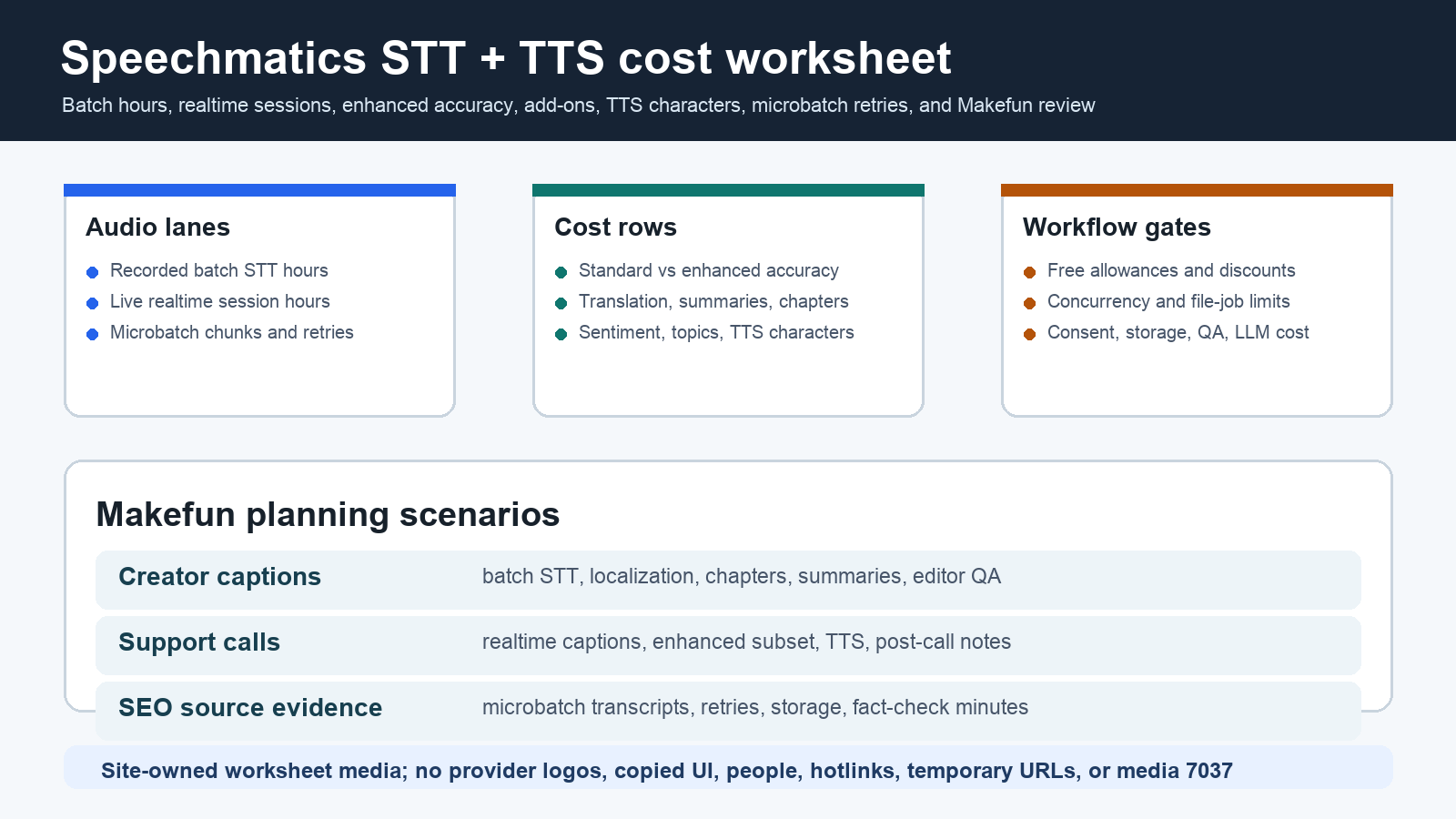
As of June 5, 2026, Speechmatics pricing planning starts by splitting recorded batch transcription from live realtime transcription, then deciding when enhanced accuracy, translation, summaries, chapters, sentiment, topics, and text-to-speech belong in separate rows. The Makefun worksheet should also keep LLM summaries, transcript storage, consent review, editor QA, caption cleanup, and publication evidence outside the Speechmatics headline bill.
Publication-time checks used the official Speechmatics pricing page, Speechmatics docs, real-time speech-to-text page, transcription API page, features and deployments page, and Speechmatics microbatching workflow. Those official pages remain the source of truth because allowances, discounts, plan limits, add-on rows, and deployment terms can change.
Speechmatics pricing source snapshot
| Row | Current planning input | Makefun caveat |
|---|---|---|
| Free allowances | The current Speechmatics pricing page lists free monthly allowances for realtime STT minutes, batch STT minutes, and TTS characters. | Confirm whether the allowance applies to the exact plan and workload before treating it as a credit in a budget. |
| Batch STT | Use the current batch standard and enhanced hourly rows from Speechmatics pricing. | Model enhanced accuracy only for noisy, accented, or high-value files instead of assuming every batch hour uses it. |
| Realtime STT | Use the current realtime standard and enhanced hourly rows plus plan concurrency limits. | Realtime session hours, telephony, recording, and downstream LLM work are separate operational rows. |
| Add-ons | Translation, summaries, chapters, sentiment, and topics have their own pricing rows on the official page. | Do not blend add-ons into a single transcript rate; show each enabled feature separately. |
| TTS | Text-to-speech is priced by characters after the included allowance. | Keep TTS characters separate from STT hours, voice-agent hosting, and post-call review. |
| Discounts and deployment | The pricing page describes discount eligibility, startup credits, and Enterprise/private deployment options. | Eligibility and private deployments need direct confirmation rather than public-rate assumptions. |
Cost formula for batch, realtime, enhanced accuracy, add-ons, and TTS
A practical Speechmatics calculator starts with five visible rows: billable batch hours after the free allowance, billable realtime hours after the free allowance, enhanced-accuracy hours by workload, enabled add-on hours by feature, and billable TTS characters after the included character allowance. Then add non-Speechmatics rows for LLM summarization, embeddings, transcript storage, consent tracking, editor cleanup, and Makefun publishing review.
Worksheet 1: creator captions, localization, and summaries
For product demos, creator tutorials, and long-form media, start with monthly recorded audio hours, language count, standard batch share, enhanced batch share, translation hours, chapter generation, summaries, sentiment or topic extraction, retry hours, and editor caption-QA time. The decision is not only whether Speechmatics can transcribe the files; it is whether the workflow uses enhanced accuracy and add-ons only where they change the editorial result.
Worksheet 2: support-call realtime captions and voice prototypes
For support calls and voice-agent prototypes, model live session hours, enhanced realtime share, concurrent sessions, TTS characters, call recording, post-call summaries, CRM or knowledge-base updates, and QA minutes. Realtime STT and TTS can be only one part of the total voice workflow; telephony, orchestration, storage, consent, and human review should stay visible.
Worksheet 3: microbatch media QA and SEO source evidence
Microbatching sits between full batch and always-on realtime. For Makefun source-refresh evidence, budget chunked audio hours, retry hours, file-job throughput, JSON stitching, transcript storage, LLM extraction tokens, and fact-check minutes. Failed chunks can multiply billable processing unless every retry is deduped and tied to a chunk ID.
Same-use alternatives
Compare Speechmatics with alternatives by workload unit. Deepgram, Rev AI, Google Cloud Speech-to-Text, AWS Transcribe, and Azure Speech are speech-provider comparisons when the same audio hours, model class, add-ons, region, and review work are visible. Meeting-bot, voice-orchestration, or component-stack tools are adjacent rather than direct replacements unless their chosen STT and TTS providers are named and priced separately.
Relevant Makefun context includes the Deepgram Voice Agent Aura-2 cost matrix, Recall.ai meeting bot recording transcription cost calculator, LiveKit Agents voice video cost calculator, Pipecat Cloud agent hosting cost calculator, and Cartesia Sonic and Ink voice agent cost matrix. Do not claim Speechmatics or any alternative is cheapest, best, more accurate, more reliable, more private, or more compliant without current same-scenario evidence.
Makefun workflow handoff
For Makefun operations, the final worksheet should preserve the source date, chosen Speechmatics plan, batch and realtime allowances, enhanced-accuracy percentage, add-on toggles, TTS character estimate, downstream LLM token estimate, transcript retention rule, editor QA minutes, and publication evidence. That keeps the article grounded in a verifiable transcript workflow rather than a single blended audio price.
Risks and caveats
- Refresh official Speechmatics pricing, docs, product pages, microbatching guidance, free allowances, discounts, and Enterprise/private deployment terms before quoting exact budgets.
- Keep batch STT, realtime STT, enhanced accuracy, add-ons, TTS, downstream LLM, storage, and human review in separate rows.
- Consent, retention, privacy, deployment, language coverage, accuracy, and compliance are workflow decisions, not guaranteed by a public price row.
- Avoid unsupported cheapest, best, accuracy, privacy, reliability, compliance, and guaranteed-savings claims.
- Use topic-specific permanent media; do not use Speechmatics logos, copied UI, temporary media URLs, generic voice-agent art, or media ID 7037.


