
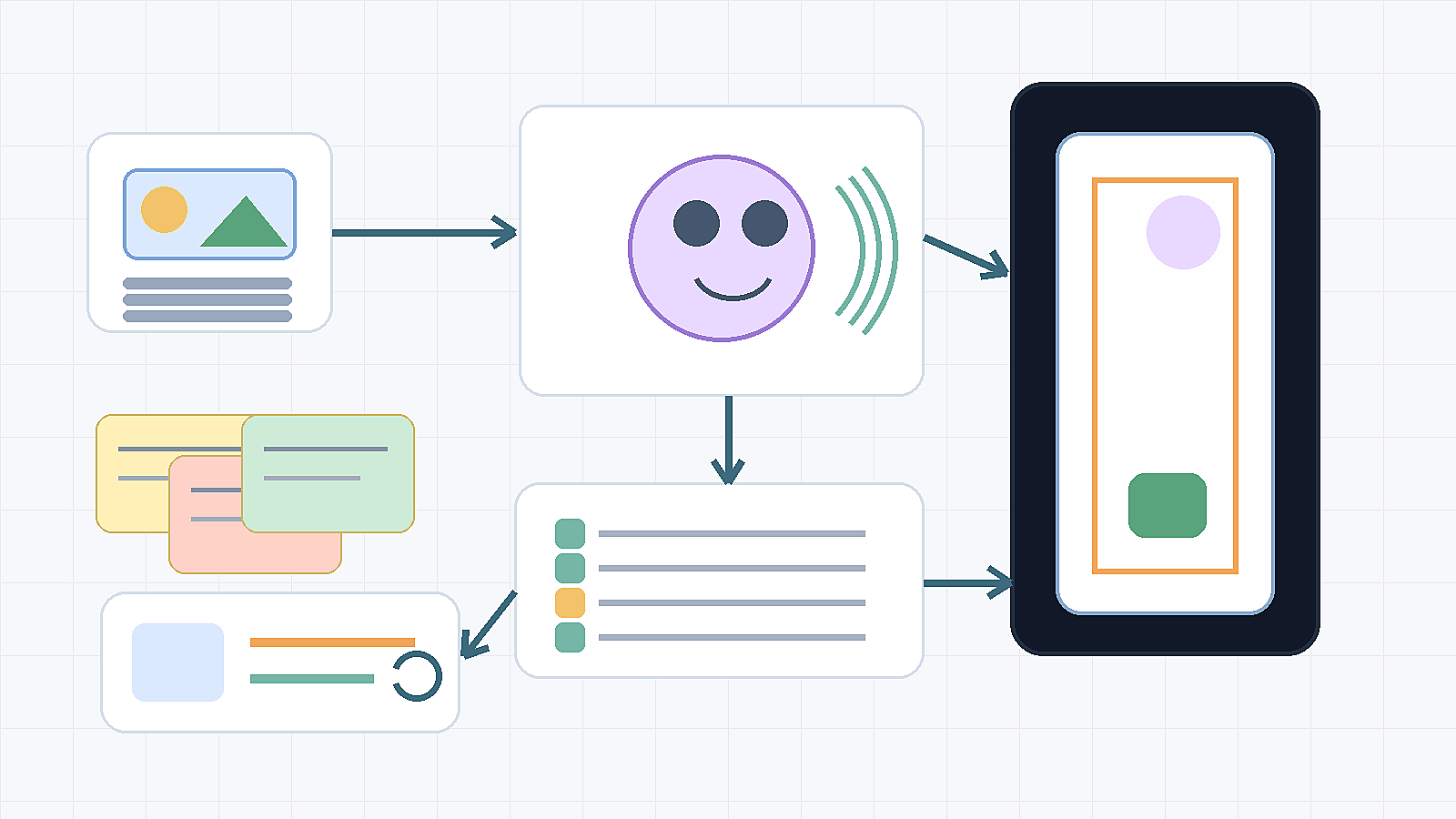
Quick answer: an AI UGC video generator helps teams make creator-style product ads without a full shoot, but the winning workflow is not just “generate a talking clip.” Start with a provable product claim, choose whether the presenter is a real creator, an approved avatar, or a product-only scene, confirm voice and likeness rights, add disclosure where realistic AI content or endorsement cues could mislead viewers, then export a vertical ad that matches the landing page and cleanup requirements.
Makefun can support that workflow from several routes: use Talking Video for presenter-style clips, Image to Video or the app route for product motion, Voice Clone only when rights are clear, and Subtitle Remover or Watermark Remover for authorized cleanup.
AI UGC Video Generator Workflow Checklist
Use this checklist before opening any AI video tool. It keeps the ad focused on proof, consent, disclosure, safe-zone export, and the Makefun route that fits the asset.
| Step | What to decide | Risk check | Makefun route |
|---|---|---|---|
| Product proof | Name the product fact, demo step, offer, or approved claim the ad can show. | Do not invent a review, result, or customer experience. | AI Product Video Generator |
| Hook variants | Draft three hooks: problem, before-after, and founder or creator-style explanation. | Avoid guaranteed performance, ROAS, approval, or “best” claims. | AI Video Ad Generator |
| Creator or avatar | Choose real creator footage, an approved avatar, or a product-only demo. | Record likeness consent and avoid fake customer endorsement. | Talking Video |
| Voice | Use recorded voice, approved cloned voice, or text-only captions. | Confirm voice rights before cloning or altering speech. | Voice Clone |
| Disclosure | Mark realistic AI people, altered speech, paid endorsement cues, synthetic scenes, or review language. | When content could affect viewer understanding, add clear disclosure and follow platform fields. | AI Avatar Video Generator |
| Export | Check vertical framing, captions, product visibility, CTA placement, and safe areas. | Refresh platform specs at launch time instead of assuming one fixed format. | Image to Video app |
| Cleanup | Check subtitles, watermarks, labels, faces, hands, product edges, flicker, and claims. | Only remove marks or subtitles from media you own or are authorized to edit. | Subtitle Remover |
Build the ad around proof, not a fake testimonial
UGC-style does not mean pretending that a synthetic presenter is a real customer. The safer structure is: one product proof point, one short hook, one clear demonstration or founder-style explanation, and one landing-page-matched CTA. If the ad uses a realistic avatar, altered voice, or endorsement-like language, treat disclosure as part of the creative brief instead of a legal footnote.
This also keeps the page distinct from a broad ad-generator workflow. The question here is not only “how do I make an ad?” It is “how do I make a creator-style product ad without blurring proof, consent, and synthetic-person disclosure?”
Choose the Makefun route for each UGC asset
- Presenter-style explanation: start with Talking Video when a face, script, and voice carry the message.
- Avatar or photo-led clip: use Talking Video Lip Sync when the core task is making an approved image speak naturally.
- Product-photo motion: use Image to Video when the asset starts from packaging, a product photo, or a marketplace image.
- Repeatable production: use AI Avatar API when your team needs a controlled avatar workflow at scale.
- Commercial handoff: check Makefun pricing before promising volume, turnaround, or credit assumptions.
Disclosure and platform checks
Official platform and regulatory guidance is moving toward clearer labels for realistic AI people, altered audio, and endorsement-style content. YouTube’s disclosure guidance covers realistic generated or altered video and audio. Meta’s AI-labeling guidance explains how platforms treat AI content labels. The FTC endorsement guidance is the right source path for avoiding fake reviews, hidden material connections, and misleading influencer-style claims. TikTok ad resources remain useful for current vertical ad specs and creative best practices, so refresh them when planning the exact export.
For a practical Makefun workflow, use this editorial rule: if the viewer might reasonably think a real person used, reviewed, or endorsed the product, document the proof or rewrite the clip as a clearly synthetic founder-style or avatar-led explanation.
Export and safe-zone checks before launch
Before exporting, confirm the platform’s current requirements for aspect ratio, resolution, duration, captions, file format, and safe zones. For vertical paid social, keep the face, product, subtitles, CTA, and disclosure away from UI-covered edges. Do not claim platform approval, conversion lift, ROAS, no-watermark output, or free usage unless those claims are separately verified at publication time.
Cleanup and reuse workflow
After generation, inspect captions, labels, watermarks, mouth movement, hands, product edges, and CTA text. Use Subtitle Remover for authorized burned-in caption cleanup and Watermark Remover for old-logo or old-CTA cleanup only when the brand owns or is authorized to edit the media. If cleanup damages a face or product label, rebuild the clip from the approved product image or avatar asset instead of patching a weak export.
FAQ
Can AI make UGC-style videos without a creator shoot?
Yes. Frame the result as creator-style, avatar-led, or founder-style content unless a real authorized person made the endorsement.
What should I prepare before generating an AI UGC ad?
Prepare one product proof point, one hook, an approved script, likeness and voice rights, disclosure notes, target aspect ratio, CTA, and cleanup requirements.
When does an AI UGC ad need disclosure?
Refresh the current platform and legal source paths before launch. As an editorial rule, disclose when realistic AI people, voices, scenes, or endorsement-like content could mislead viewers about what is real.
Which Makefun route should I start with?
Start with Talking Video for presenter-style clips, image-to-video for product-photo motion, voice clone only with clear rights, and subtitle or watermark tools for authorized cleanup.


