
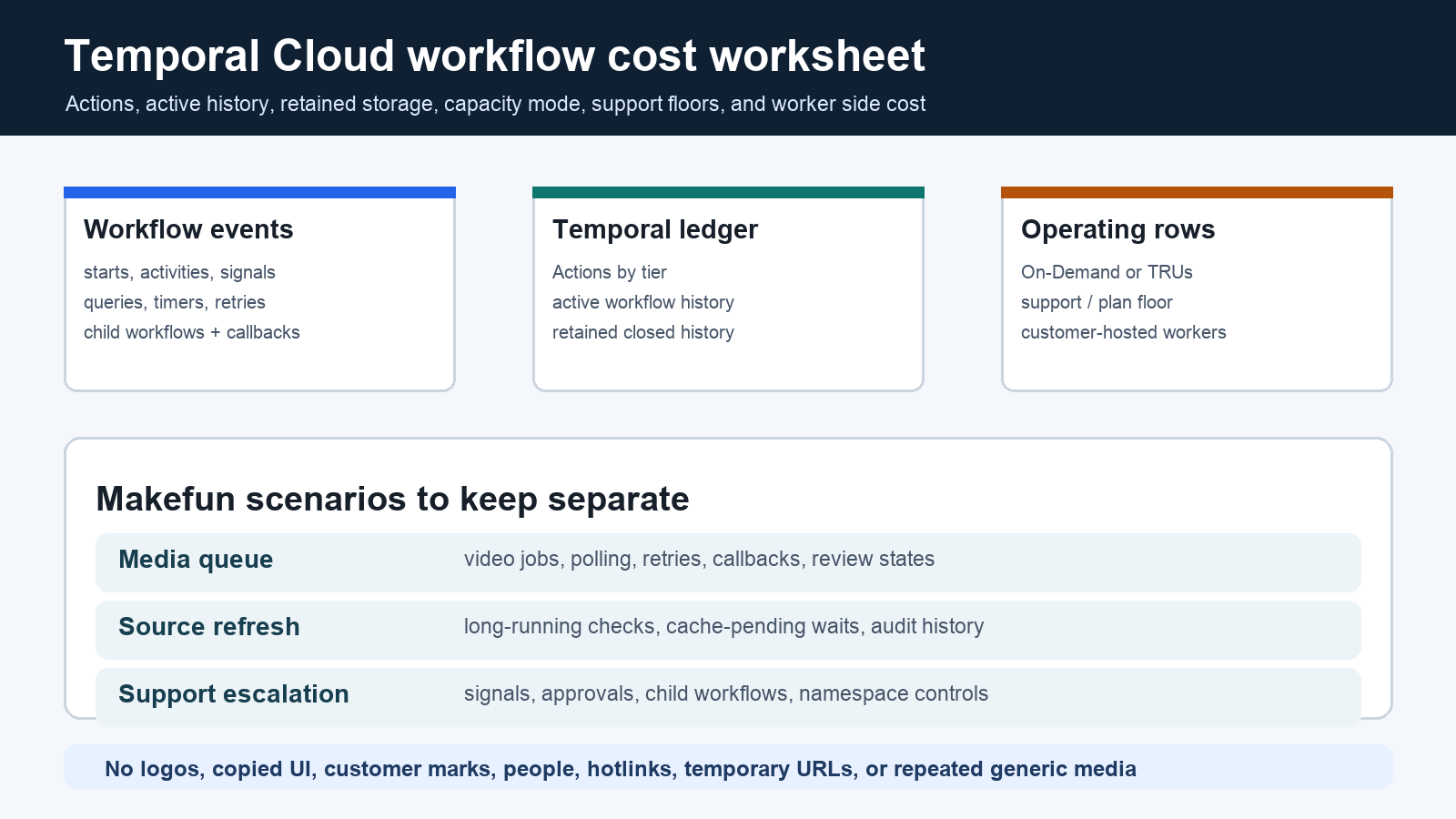
As of June 4, 2026, Temporal Cloud cost planning starts with workflow behavior, not only workflow count. Model billable Actions from starts, activities, signals, queries, timers, retries, and child workflows; then add active workflow-history storage, retained closed-history storage, capacity mode, support or plan floors, and the customer-hosted worker infrastructure that still runs outside Temporal Cloud.
Publication-time source checks used the official Temporal pricing page, Temporal Cloud AWS Marketplace Pay-As-You-Go page, Temporal Cloud product page, Temporal docs, and Temporal Cloud changelog. Refresh those pages before procurement because Actions tiers, support terms, capacity wording, storage rates, feature status, and plan allowances can change.
Temporal Cloud pricing source snapshot
| Row | June 4, 2026 source value | How to use it |
|---|---|---|
| Essentials plan | Starting at $100/mo with 1M included Actions, 1 GB Active Storage, 40 GB Retained Storage, 99.9% SLA, 99.99% HA options, and Essentials support. | Use as the floor for basic workflow planning, then add usage that exceeds included rows. |
| Business plan | Starting at $500/mo with 2.5M included Actions, 2.5 GB Active Storage, 100 GB Retained Storage, SAML SSO, and Business support. | Use when identity, scaling, troubleshooting, and implementation support matter to the workflow owner. |
| Enterprise plan | Contact Sales with 10M included Actions, 10 GB Active Storage, 400 GB Retained Storage, SCIM included, enterprise support, onboarding, design review, worker tuning, and cost reviews. | Do not convert enterprise support, security review, or mission-critical add-ons into public prices without a current quote. |
| Actions overage | After included plan Actions: next 5M at $50 per million, next 5M at $45, next 10M at $40, next 30M at $35, next 50M at $30, next 100M at $25, and over 200M through sales. | Count chatty workflow design, retries, signals, timers, and child workflows before picking a tier. |
| Capacity | Namespaces start On-Demand at 500 Actions per second. Provisioned mode uses Temporal Resource Units; each additional TRU adds 500 APS and 360,000 Actions/hr. | Separate peak throughput planning from monthly Actions volume. |
| Storage | Active Storage is listed at $0.042 per GB-hour; Retained Storage is listed at $0.00105 per GB-hour. | Model open workflow histories separately from retained closed-workflow audit history. |
| AWS Marketplace Pay-As-You-Go | The AWS page lists Temporal Cloud usage at $50 per million Actions and a $100/mo plan fee prorated from the first billable action. | Use this when AWS billing path is the buying constraint, but still validate current plan and support language. |
Workflow cost formula
A practical worksheet is: monthly_cost = plan_or_support_floor + billable_actions + capacity_charge + active_history_GB_hours + retained_history_GB_hours + customer_hosted_worker_compute + external API, browser, media, support, and human-review spend. Temporal Cloud workers run in the customer environment, so worker compute, logs, secrets, queues, and media API calls should stay outside Temporal Cloud billing rows.
Worksheet 1: Makefun media queue
For 100,000 monthly avatar or video jobs, count one workflow start, multiple activity steps, polling timers, callback handling, retry branches, human-review states, and retained failure history. A durable workflow can make incident recovery easier, but the cost row should still include external media API spend, reviewer minutes, worker compute, and any browser or storage services used by the queue.
Worksheet 2: SEO source-refresh monitor
For 25,000 monthly pricing or source-refresh workflows, many runs may stay open while waiting for delayed verification, sitemap checks, cache-pending rechecks, and evidence retention. Model refresh steps, cache-pending waits, average open hours, closed-history retention days, audit history size, manual approval signals, namespace split, source-fetch cost, and review escalation rate.
Worksheet 3: support escalation workflow
For support or creator-ops escalations, separate monthly escalations, manual approval signals, child workflows, retry branches, peak Actions per second, support tier, namespace count, retention window, worker fleet cost, external support-system spend, media API spend, and reviewer minutes. Do not fold support labor or downstream media systems into a Temporal platform price.
Same-unit alternatives
Compare Temporal Cloud against alternatives by workload unit. Trigger.dev, Inngest, n8n, Pipedream, Vercel jobs or queues, Cloudflare Workers and Queues, Retool Agents, Sim AI, self-hosted Temporal, and Makefun scripts answer different operating questions. The useful comparison is not a generic cheapest claim; it is whether the workflow needs durable event history, long-running state, explicit retry behavior, retained audit trails, namespace isolation, and support commitments.
Relevant Makefun context includes the Browserbeam session proxy AI selector credit calculator, Comfy Cloud API workflow cost calculator, Hugging Face Inference Providers routed request cost calculator, Claude Batch API prompt cache cost calculator, Pinecone Assistant context token RAG cost calculator, and Botpress AI spend message event knowledge cost calculator. These are adjacent cost-governance pages with live 200 checks during publication.
Cost-control checklist
- Estimate Actions from workflow design before using run count as a proxy.
- Keep active history and retained closed-history storage in separate rows.
- Choose On-Demand or Provisioned capacity from peak throughput needs, not only monthly volume.
- Limit retry loops, polling, signals, and child workflow fan-out that add Actions without adding user value.
- Separate worker compute, logs, browser automation, media APIs, support tools, and human review from Temporal Cloud billing.
- Refresh the Cloud changelog before relying on feature status for External Storage, Namespace Endpoints, Task Queue Priority/Fairness, OpenMetrics, HA, Azure, or Provisioned Capacity.
Risks and caveats
Avoid absolute claims that Temporal Cloud is cheaper, best, faster, safer, more reliable, or more scalable than alternatives unless current same-scenario evidence supports the exact wording. Treat support, SLA, enterprise, security, compliance, capacity, and feature availability as status-sensitive. For Makefun publishing, the hard gate is a dated source snapshot, duplicate search, blog category id 2, Yoast fields, verified body links, sitemap verification, and unique permanent featured media.
FAQ
What is the first row in a Temporal Cloud calculator?
Start with workflow behavior: starts, activities, signals, queries, timers, retries, child workflows, open duration, retained history, and peak Actions per second. Then map those rows to plan floor, Actions, capacity, and storage.
Are workers included in Temporal Cloud pricing?
No. Temporal Cloud manages the service side, while workers run in the customer environment. Worker compute, logs, secrets, browser calls, media APIs, and review labor need separate rows.
When does retained storage matter?
Retained storage matters when closed workflow histories are kept for audit, debugging, compliance, publisher handoff, cache-pending verification, or support review. Long retention windows can change the economics even when the workflow volume is stable.


